Loading SaaS profile...
Loading SaaS profile...
A private notch workspace for every Mac.
Transform your Mac notch or top edge into an interactive drop-down productivity dock for quick actions. Manage scratchpads, clipboards, calendars, and focus timers without opening full application windows. Control media playback and use built-in writing tools instantly from a unified native surface. Operate securely offline with local-first storage ensuring zero data collection on external servers.
Leverages unused screen real estate around the MacBook camera cutout to streamline micro-tasks without switching windows. Prioritizes user privacy by storing all notes, clipboards, and workflow data entirely local on the device. Supports non-notch Intel and Apple Silicon Macs via a dedicated top-edge display mode. Features a clean freemium model with a 72-hour Pro trial requiring no upfront credit cards or accounts.
Category: Productivity
Team Size: 1
Visit Website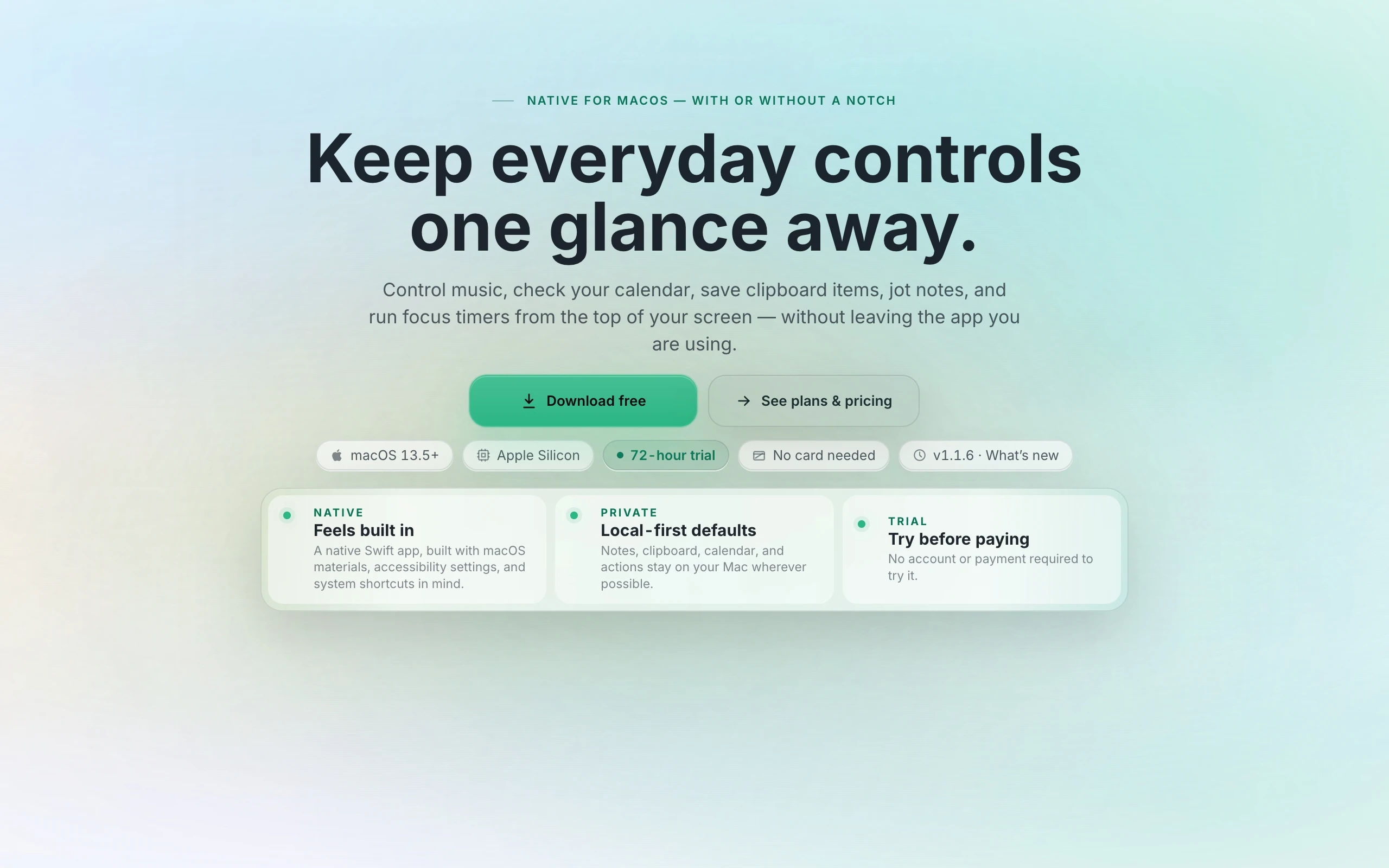
Aurora Notch is a lightweight macOS menu bar utility that transforms your MacBook notch or top edge into a private productivity dock. It provides quick access to notes, clipboard histories, calendars, focus timers, media controls, and writing tools. Designed for maximum privacy, all workspace data remains locally stored on your machine without cloud syncing. Compatible with both Apple Silicon and Intel Macs, including non-notch displays via the top edge.
Aurora Notch was solo-developed by Dumitru Balaian over six months to solve the constant context-switching caused by small Mac tasks. Frustrated by apps pulling him away from his main work windows, he built a calm native control surface around the notch to keep essential tools accessible.