
Loading SaaS profile...
Loading SaaS profile...
Discover, fix, capture, and report bugs in one shot.
Captures elements, regions, screen recordings, or tab histories alongside automated console and network logs. Allows users to inspect and edit element CSS live on web pages to send visual before-and-after diff tables. Automatically drafts comprehensive bug reports using AI based on captured browser data and reproduction steps. Files tickets directly into external tracking tools like Jira, GitHub, Linear, Notion, GitLab, Asana, and Slack.
Operates directly inside the browser extension side panel without requiring complex user accounts or sign-ups. Bundles console logs, network requests, and visual metadata automatically into every bug report. Provides live CSS editing to give developers precise visual code diffs instead of vague textual descriptions. Integrates with popular developer trackers via OAuth or API keys for instant workflow synchronization.
Category: Productivity
Team Size: 1
Visit Website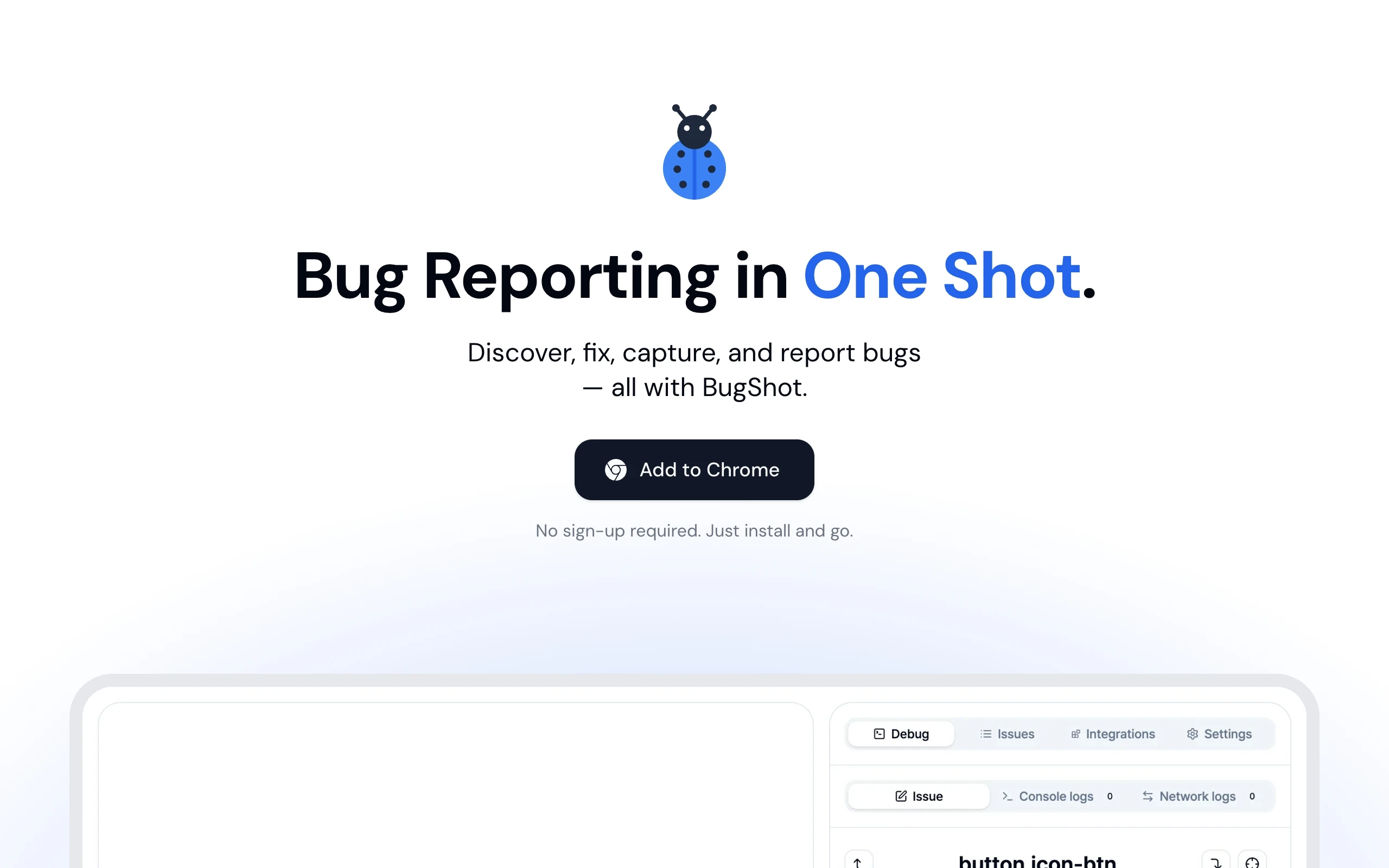
BugShot is an advanced browser extension designed to streamline bug discovery, QA reporting, and issue tracking directly from Chrome's side panel. It automatically captures screenshots, screen recordings, console logs, and network traffic alongside environment diagnostics. Users can edit element styles live on pages and generate structured reports with AI drafting capabilities. The platform connects seamlessly with popular issue trackers like Jira, GitHub, Linear, and Notion without requiring accounts.
BugShot was created to eliminate the friction and frustration of traditional bug reporting where QA tickets consist of vague descriptions and isolated screenshots. Recognizing that developers waste hours reproducing issues, the creator built a lightweight browser extension that automatically captures logs, network states, and live CSS changes to make bug reporting instantaneous.