
Loading SaaS profile...
Loading SaaS profile...
Modern, open-source Windows 11 flyout app for media and volume.
Displays interactive media playback overlays supporting track controls, album art, and seek sliders. Provides alternative master volume control elements with modern styling and customization settings. Features a dedicated Up Next queue layout and Lock Keys status display suite. Integrates compact widgets and a real-time audio visualizer directly into the Windows Taskbar.
Open-source codebase fosters community trust, fast localization updates, and free self-hosted distribution. Adheres strictly to native Fluent 2 design languages ensuring visual harmony with Windows 11 system elements. Maintains a lightweight footprint that runs quietly in the system tray with negligible CPU resource consumption. Provides extensive customization choices for layout positions, theme styling, and backdrop blur behaviors.
Category: Utilities & System Tools
Team Size: 1
Visit Website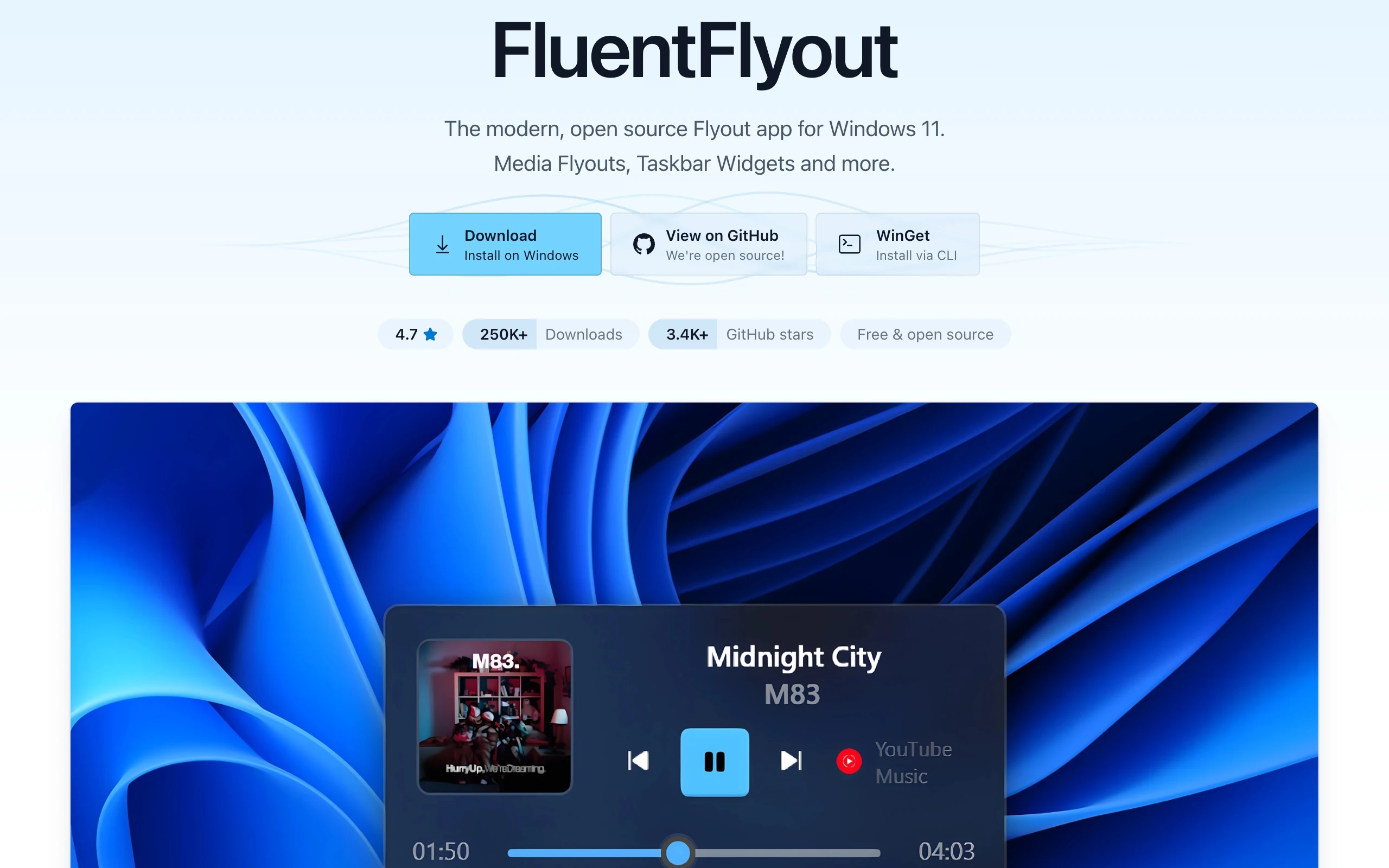
FluentFlyout is a modern, open-source utility for Windows 11 designed with Fluent 2 Design principles to upgrade native system HUDs. It replaces legacy volume, media control, and lock key indicators with clean, customizable popup overlays that blend seamlessly with Windows blur aesthetics. Featuring smooth animations, light and dark modes, and taskbar integration widgets, it delivers a refined control experience.
FluentFlyout was created by Hugo Li (unchihugo) to address shortcomings in native Windows 11 system indicators. Frustrated by outdated popups and inconsistent design elements, the developer built a modern, open-source alternative styled around Fluent 2 principles to give users total control over their desktop media interfaces.