Loading SaaS profile...
Loading SaaS profile...
Visual GitHub management directly from a graphical interface.
Links local project folders directly to remote GitHub repositories for streamlined tracking. Executes core Git operations including fetch, pull, push, and commits via a graphical interface. Clones new repositories and manages branch strategies without requiring command-line tool usage. Provides detection and suggestions for managing basic merge conflicts visually.
Eliminates terminal friction by translating complex command-line actions into visual interface controls. Integrates seamlessly into native macOS design patterns for a smooth user experience. Focuses explicitly on high-frequency sync and branch management workflows to save time. Offers an accessible alternative for developers who prefer clean GUIs over raw command shells.
Category: Utilities & System Tools
Team Size: 1
Visit Website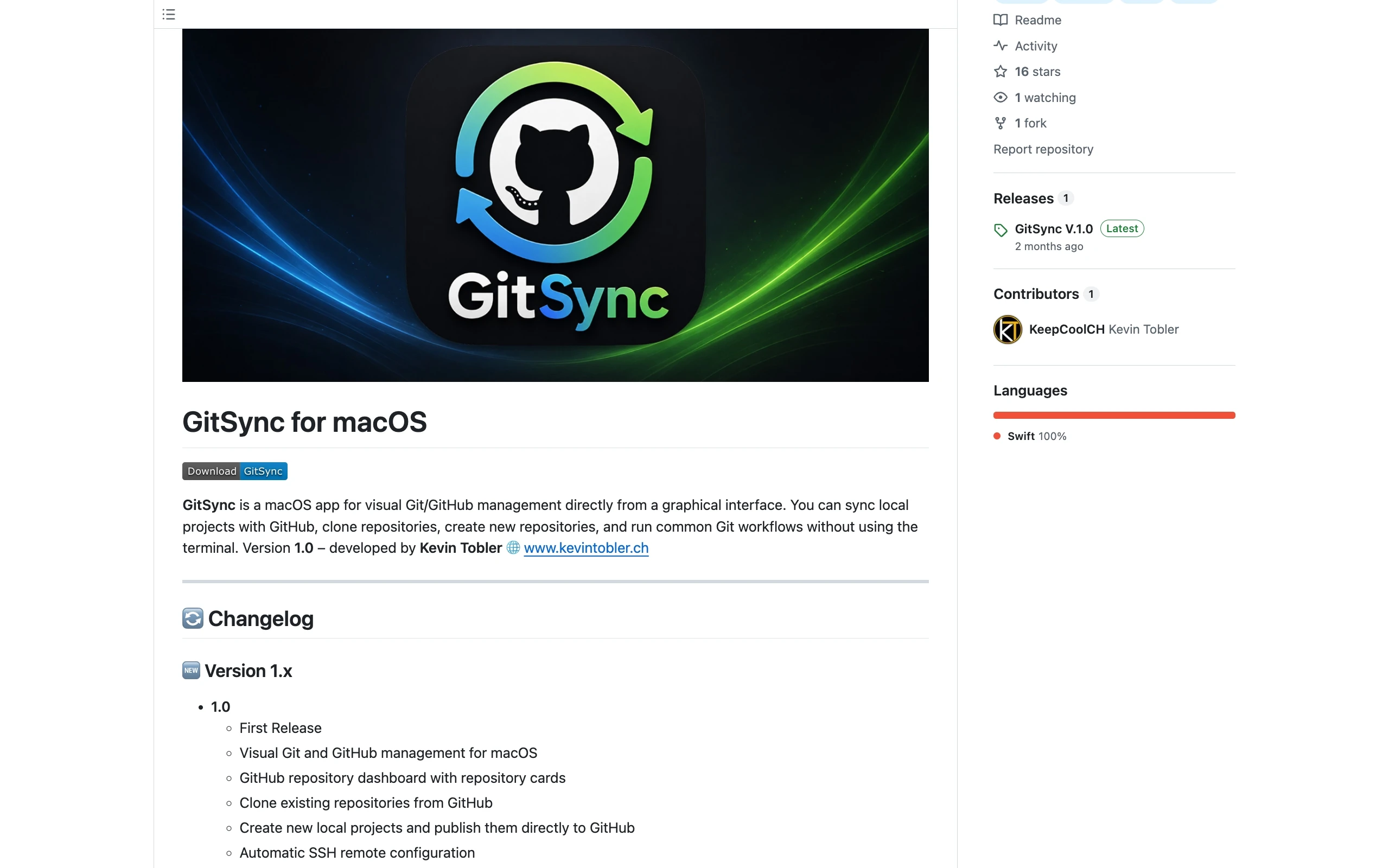
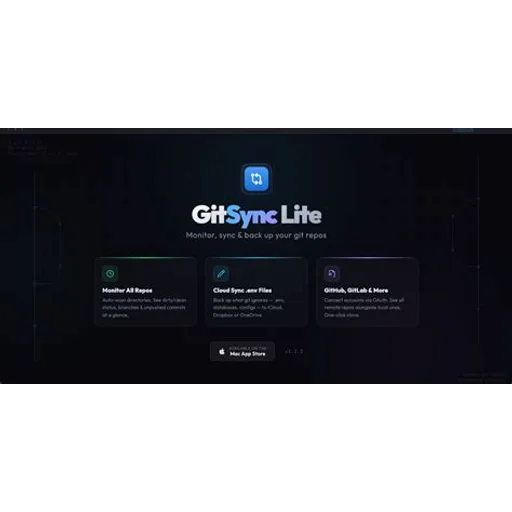
GitSync for macOS is a native utility designed to streamline Git and GitHub workflows through an intuitive graphical interface. It allows developers to link local folders, clone repositories, and execute core Git actions like commits, pulls, and pushes without touching the terminal. The application focuses on reducing everyday friction by providing clear visual status feedback and simplified branch synchronization. It serves as a lightweight companion for modern software development.
GitSync for macOS was created by developer Kevin Tobler to optimize the everyday workflow of syncing local repositories and branches with GitHub. Recognizing that existing git clients can be bloated or overly complex, the project was built to deliver a streamlined, visual management experience directly on macOS.