
Loading SaaS profile...
Loading SaaS profile...
macOS screen recorder that automatically edits demos and walkthroughs.
Captures high-definition screen recordings and microphone audio on macOS desktop environments. Trims long silences, pauses, and spoken filler words automatically using AI speech detection. Generates automated subtitles and captions synchronized directly with the recorded video track. Exports finished product demo clips directly without requiring manual video timeline editing.
Automated AI pause trimming eliminates tedious manual video editing in complex timeline software. Native macOS screen recording ensures low CPU overhead and high frame-rate desktop capture. Instant caption generation improves video accessibility and engagement on async team channels. Zero-friction workflow lets makers share polished feature demos immediately after ending a recording.
Category: Productivity
Team Size: 1
Visit Website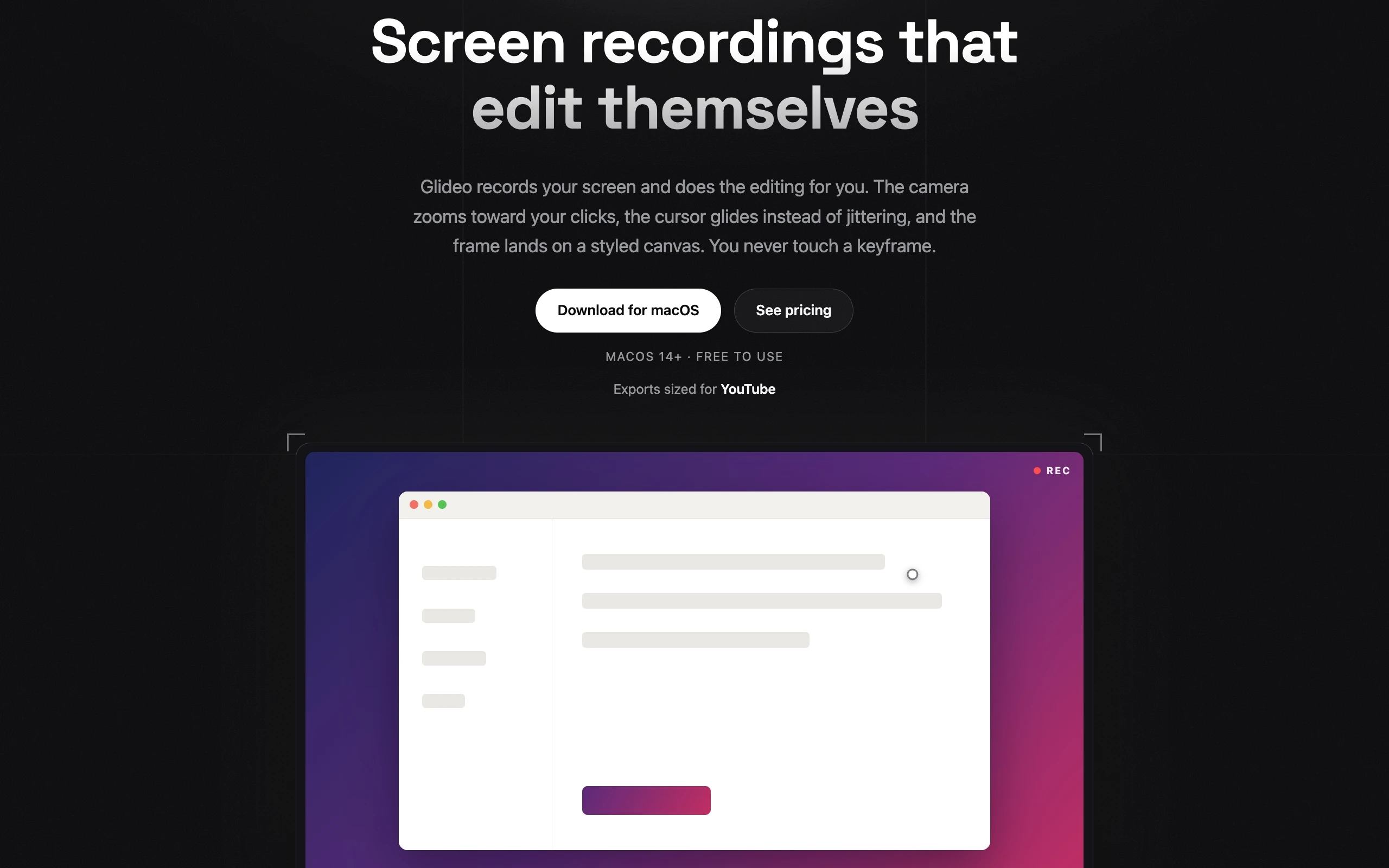
Glideo is an AI-powered macOS screen recorder and automated video editor designed for developers, product managers, and SaaS teams. When users record software walkthroughs or feature demos, Glideo automatically detects and trims awkward pauses, silences, and filler words without requiring manual timeline editing. The app generates accurate captions, optimizes video pacing, and exports polished video clips instantly for async updates, documentation, or marketing demos. Glideo turns raw desktop recordings into publication-ready video content in seconds.
Glideo was created in 2026 to solve the frustration of manually editing developer demos and product walkthroughs. Recognizing that software creators waste hours trimming awkward silences, retaking clips, and adding captions for simple feature updates, the founder developed Glideo as a lightweight macOS app. Glideo applies AI speech models directly to raw screen captures to output polished videos automatically.