
Loading SaaS profile...
Loading SaaS profile...
Connects AI assistants to native Mac apps via local MCP server.
Runs a local MCP server that exposes native macOS applications to connected AI assistants. Enables AI agents to manage Calendar events, read or draft emails, and handle Notes and Reminders. Executes Computer Use automation to interact with non-API desktop interfaces via system accessibility controls. Applies macOS system-level permissions and per-app authorization gates for explicit control over sensitive data.
Local-first processing ensures sensitive Mac app data remains on-device during execution. Standardized MCP protocol allows one Macuse setup to serve multiple AI clients simultaneously. Computer Use fallback allows automation of legacy desktop software lacking open API access. Explicit per-app permission model ensures actions require user confirmation rather than universal access.
Category: AI & Automation
Team Size: 1
Visit Website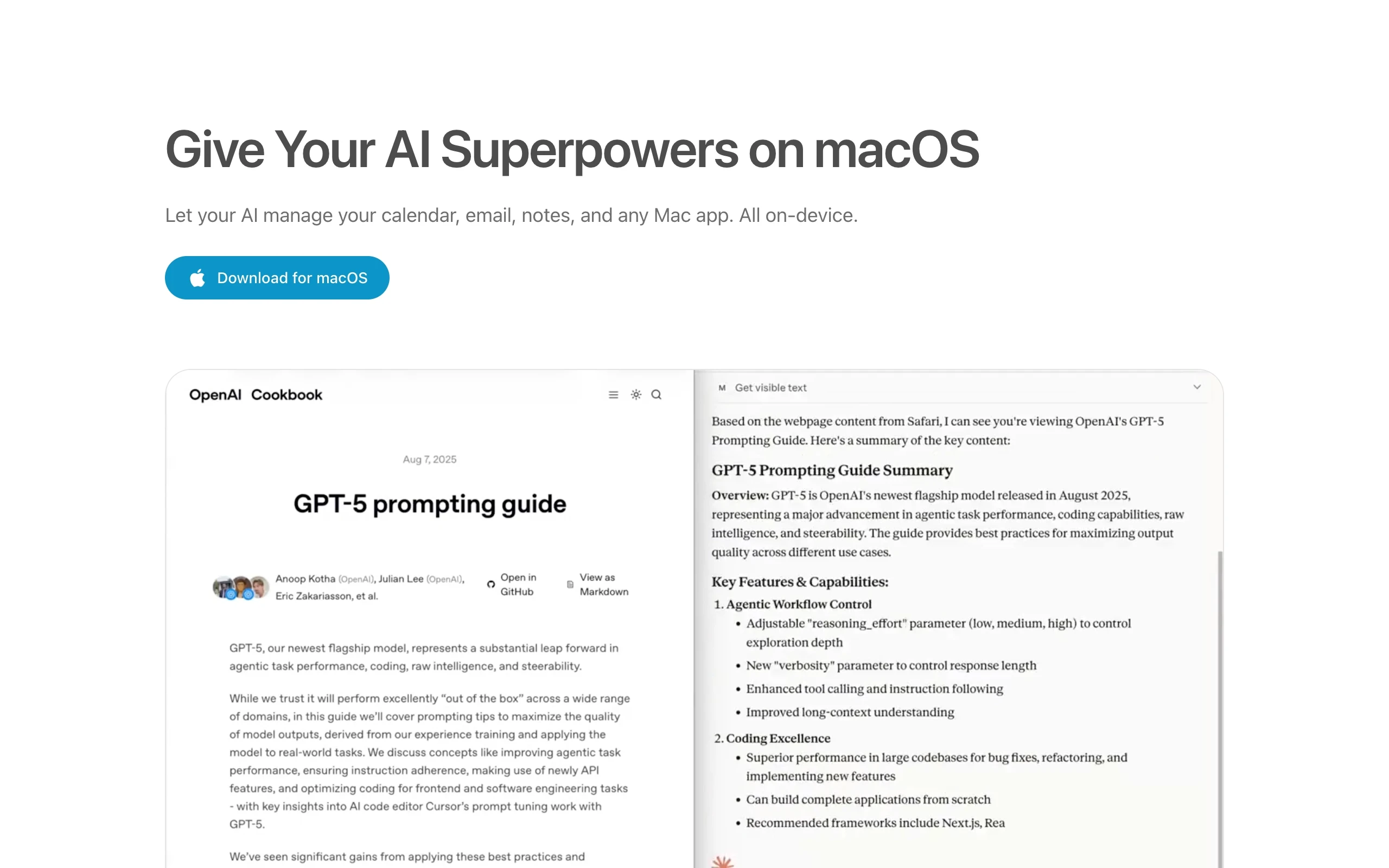
Macuse is a native macOS application that functions as a local Model Context Protocol (MCP) server, bridging AI assistants directly to desktop applications. By connecting clients such as Claude, Codex, Cursor, and Raycast, Macuse grants AI agents local access to manage macOS Calendar, Mail, Notes, Reminders, Messages, and Contacts. It incorporates Computer Use automation to click, scroll, and type inside apps lacking public APIs, executing desktop tasks while keeping user data processed locally on-device.
Macuse was created in 2026 by Sydney-based full-stack engineer Yuexun Jiang (creator of Badgeify and former engineer at Tencent and Alibaba). Observing that AI reasoning models frequently hit a wall on macOS because they could not directly interact with local calendars, mail, or notes, Jiang developed Macuse as a local MCP server to give AI models permissioned access to native Mac tools.