
Loading SaaS profile...
Loading SaaS profile...
The easiest way to capture screenshots, annotate images, and share ideas instantly.
Captures high-quality screenshots and allows for multi-page PDF annotations. Features an interactive editor with arrows, text, shapes, blurs, and highlights. Generates instant shareable links for collaboration across any platform. Provides a centralized 'Library' to manage, search, and edit past markups. Allows for direct pasting of markups into tools like Notion, Slack, and Gmail.
Speed: Move from 'capture' to 'share' in under 5 seconds with zero file downloads. Editability: Unlike static screenshots, markups remain editable in the cloud even after they are shared. Accessibility: Works seamlessly across MacOS, Windows, Linux, and the browser. Organization: The built-in library removes the chaos of finding 'that one screenshot' from last week.
Category: Productivity
Team Size: 2-10
Visit Website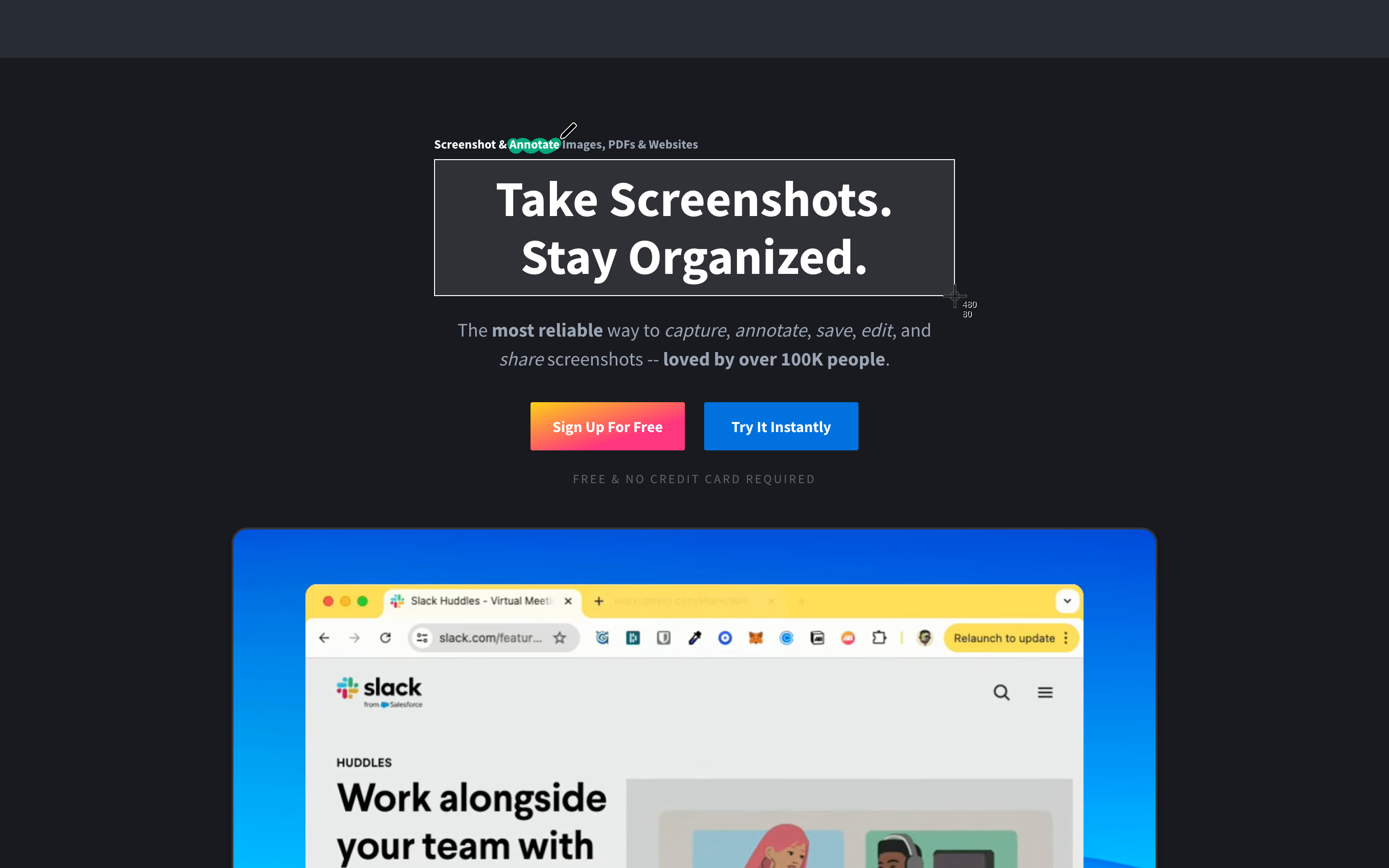
Markup Hero is a high-performance productivity tool designed for the rapid capturing and annotating of visual information. It allows users to take screenshots, upload images or PDFs, and add clear visual feedback using text, arrows, shapes, and blurs. Built for speed and accessibility, it provides instant shareable links and a permanent library, making it a staple for remote teams and customer support.
Founded in 2020 by Jeff Solomon and a team of serial entrepreneurs. Jeff, who previously founded and exited several venture-backed firms, built Markup Hero out of his own frustration with the lack of innovation in the screenshot category. He wanted a tool that was 'made for speed' and cloud-native.