
Loading SaaS profile...
Loading SaaS profile...
Know exactly what's running on every port of your Mac.
Displays every open port on your Mac paired with plain-English explanations of the underlying processes instead of raw terminal process IDs. Flags active port conflicts automatically to help developers troubleshoot address already in use errors instantly. Terminates rogue or conflicting background processes either gracefully or forcefully with a single click. Blocks network ports directly using native macOS firewall controls from a centralized interface.
Open-source model ensures full transparency and free availability for local developer workflows. Replaces obscure command-line lsof diagnostics with instant plain-English explanations to save troubleshooting time. Provides direct action controls including process termination and macOS firewall blocking within one tool. Lightweight native design polls system network activity efficiently with minimal resource consumption.
Category: Utilities & System Tools
Team Size: 1
Visit Website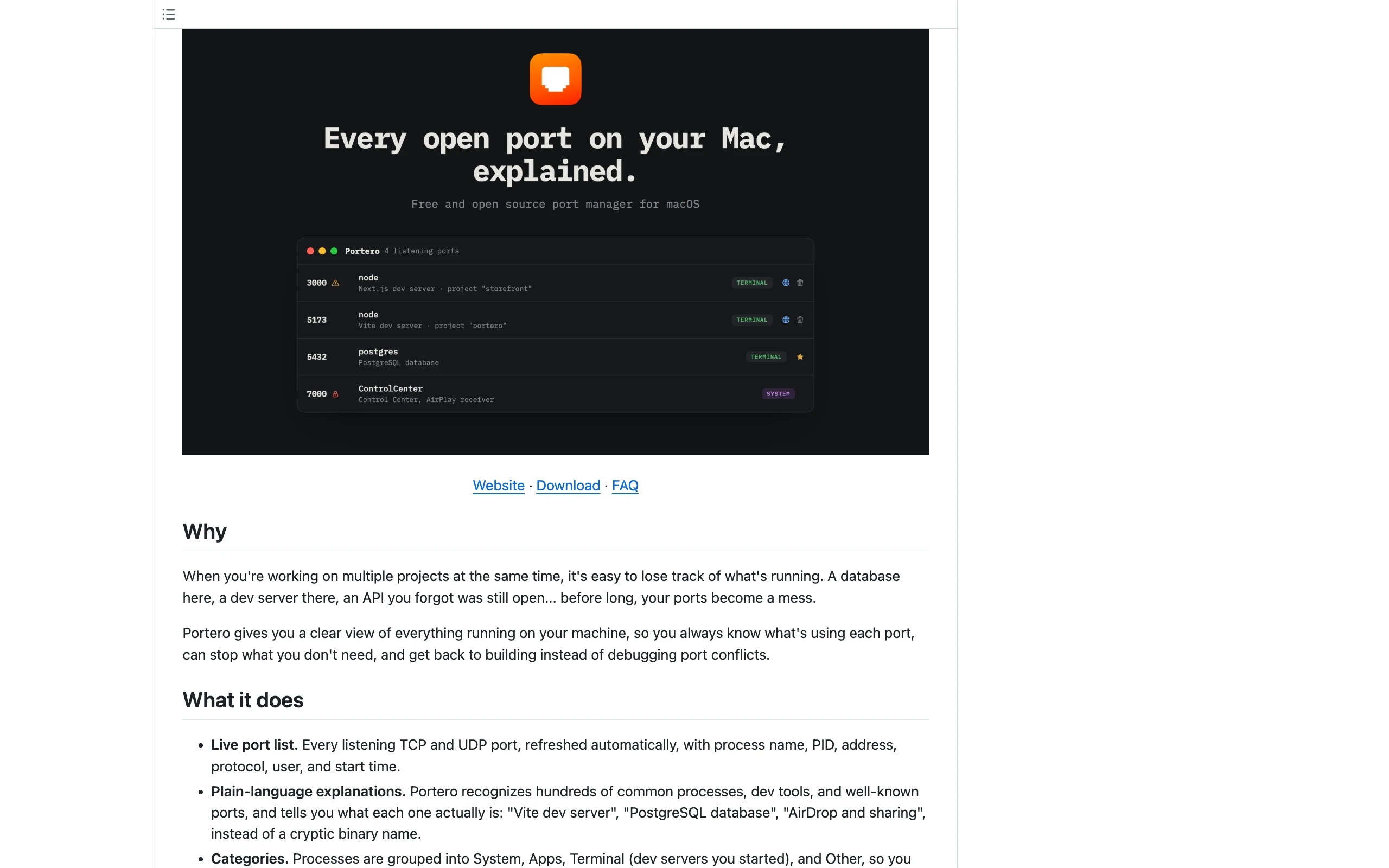
Portero is a free, open-source macOS menu-bar utility designed to track, identify, and manage active network ports in plain English. Instead of displaying cryptic terminal process names like generic node or python binaries, it translates PIDs into clear descriptions such as Vite dev server or Docker port mapping. The platform automatically flags port conflicts, lets users terminate processes gracefully or forcefully, and integrates with the built-in macOS firewall.
Portero was created by Adam Malone (C3B) out of personal frustration with constantly losing track of what processes were running on his local machine. Tired of repeatedly typing the same lsof commands every time a local dev server threw an address already in use error, the creator built a clean native utility to make port management transparent and human-readable.