
Loading SaaS profile...
Loading SaaS profile...
Professional screen recorder with automatic cinematic zoom and motion.
Automatically zooms in on cursor actions during recording to focus viewer attention on key areas. Smooths rapid cursor movements into professional glides to improve video flow and clarity. Provides a timeline-based editor for trimming, cutting, and speed adjustments after recording. Allows for versatile branding, including custom backgrounds, cursor sizes, and webcam overlays. Exports videos in various formats, aspect ratios, and resolutions optimized for social media platforms.
Automates time-consuming editing tasks like manual keyframing and transitions, drastically reducing production time. Offers a highly intuitive interface that requires no professional video editing background to achieve cinematic results. Provides flexible pricing, including both a subscription-first SaaS model and a one-time lifetime license option. Delivers macOS-native performance that remains fast and responsive without significant resource overhead.
Category: Design & Creative
Team Size: 1
Visit Website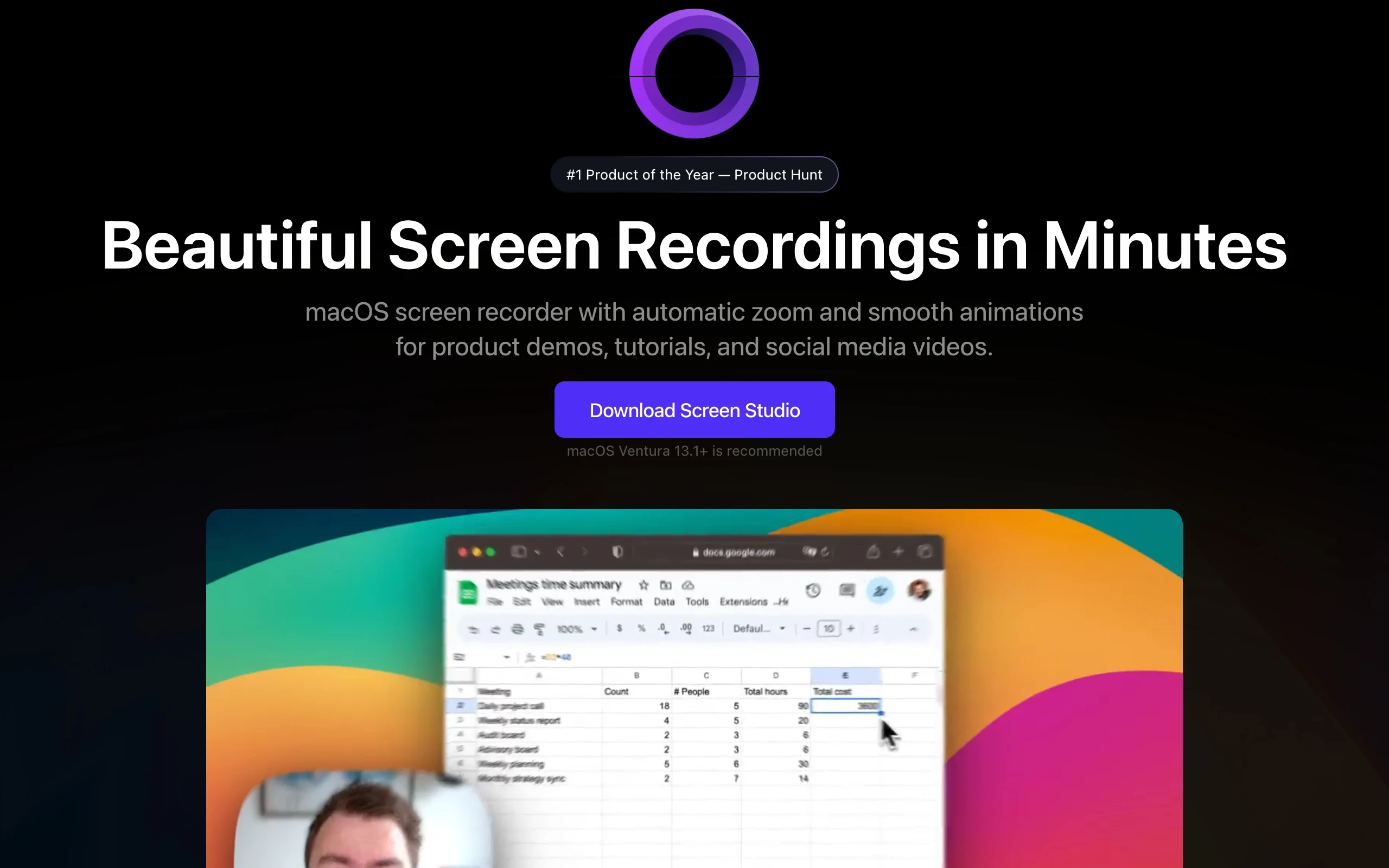
Screen Studio is a macOS screen recording tool that automatically applies professional polish, including zooms, cursor effects, and smooth transitions, during recording. It eliminates the need for manual video editing expertise, enabling creators, educators, and product managers to produce high-quality demos and tutorials quickly. The tool focuses on automated cinematic production, bridging the gap between basic screen recorders and professional editing suites.
Screen Studio was founded in late 2022 by Adam Pietrasiak, a designer and developer based in Poland. After experiencing the frustration of manual editing for screen recordings, Pietrasiak built Screen Studio to automate the process of creating professional-looking demos. The product has since gained significant traction among indie hackers and professional teams, scaling to thousands of users without external venture capital funding.